
Share:
In 2026, Threads is the platform with the highest organic reach among all Meta social networks. Unlike Instagram, where visuals are everything, Threads works on engagement algorithms through text and discussions. This allows models to get free traffic without investing in advertising.
We have prepared a guide on how to properly build a funnel on Threads to turn readers into paying OnlyFans subscribers.
Step 1. Design the Profile
A well-designed Threads profile for an OnlyFans model will warm up the user on OF from “just scrolling the feed” to “want to see more and willing to pay.” Here’s what the packaging includes:
Username. The profile should be quickly recognizable by people who have seen you on other platforms. The username on Threads should be the same as on Instagram, and it’s better if it’s the same as your OnlyFans username. If the name is taken, add prefixes like real, official, or life. Avoid underscores and numbers (e.g., masha_12345)—such usernames look like bot accounts.
You can add a «keyword» for search to the username. For example: Masha | Your Favorite Alt Girl 🖤 or Masha 🌶️ Fitness & Lifestyle.
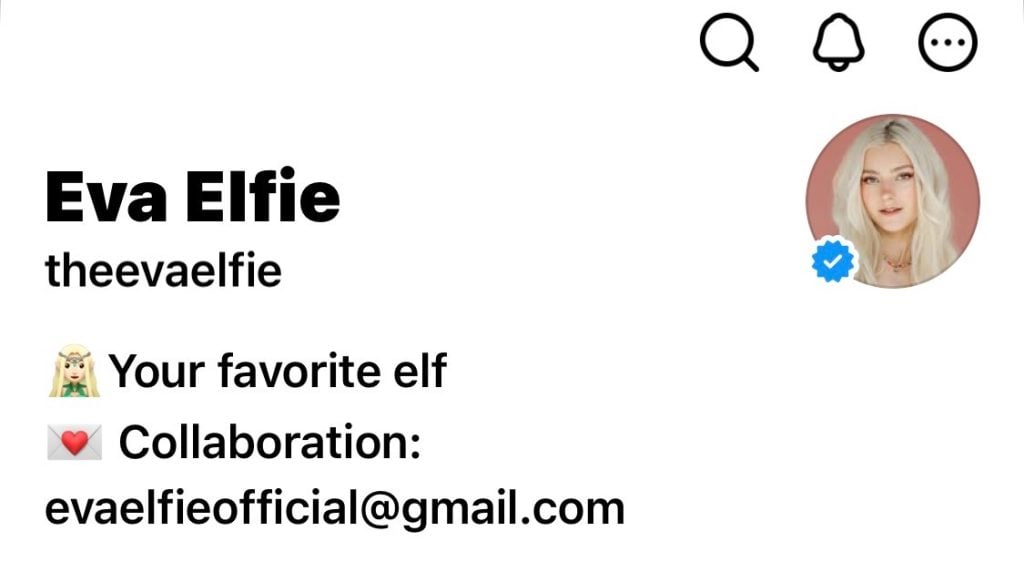
If you don’t change your username on the new platform, followers will immediately understand it’s also you and subscribe right away
Profile Picture. We advise choosing a portrait photo, with the face occupying about 60-70% of the frame. Look directly into the camera, as if personally addressing the user.
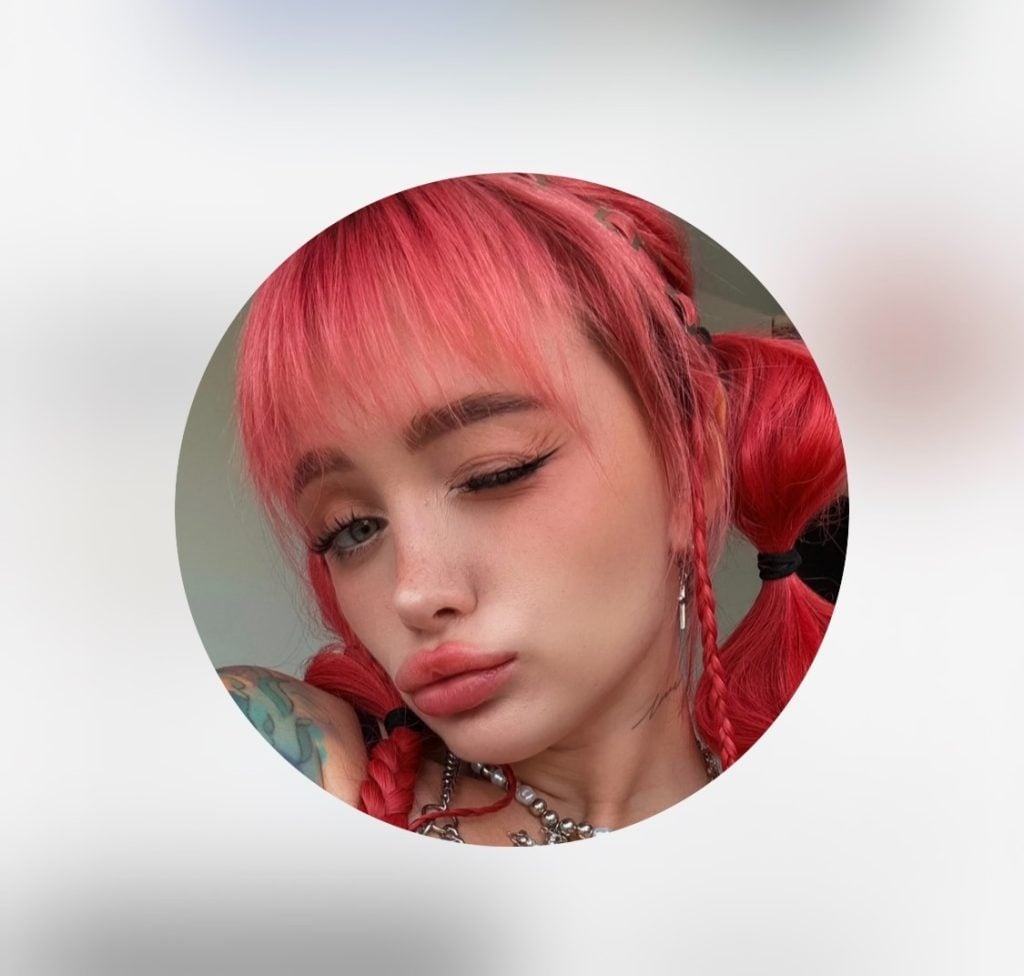
Example of a model’s profile picture on Threads
Bio. You have only 150 characters, so every word must work for you. Use the structure: who you are + your unique angle + a call to action. For example:
- Here I chat, and via the link—I share intimate stuff. Your favorite neighbor who loves video games and lace lingerie. Check my secret archive here
- Threads deletes my best photos, so I moved them to a safe place. There…
- Gym rat. Showing what squats lead to. All exclusive content and 1-on-1 chat in my private club via the link
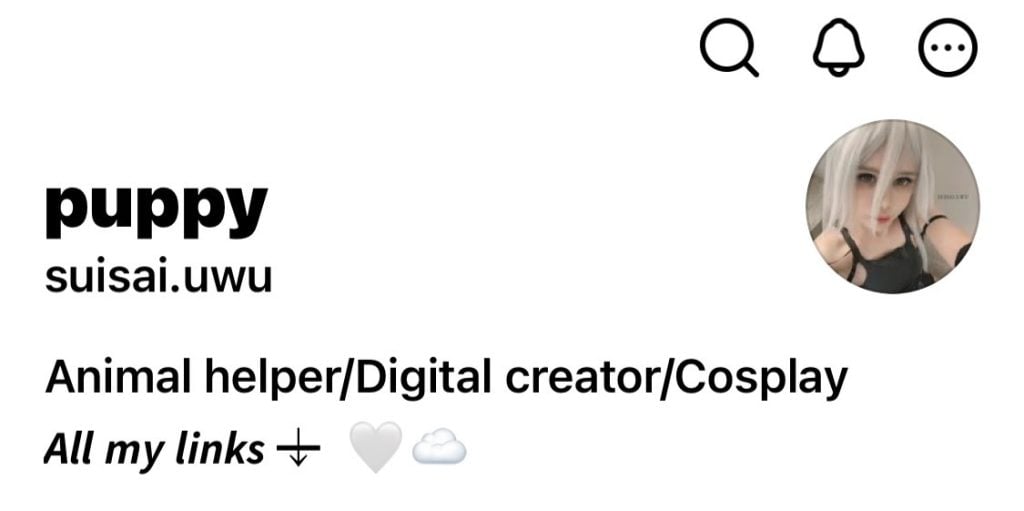
Example of a bio layout in Threads
Important: Do not use the word OnlyFans.Instead, write: «Secret link», «Exclusive content», «My private page» or simply use emojis like 💙/🔗.
Link. Threads allows one active link. But do not put a direct link to OF—Meta often reduces reach for direct links to adult resources. Use intermediary services (Linktree, Beacons, or your own domain). Add text to your bio like «FREE ACCESS HERE» (if you have a trial) or «MY DAILY ARCHIVE».
Pinned Posts. In Threads, you can pin one thread—for example, a welcome post with a beautiful photo and text about who you are and why someone should follow you.
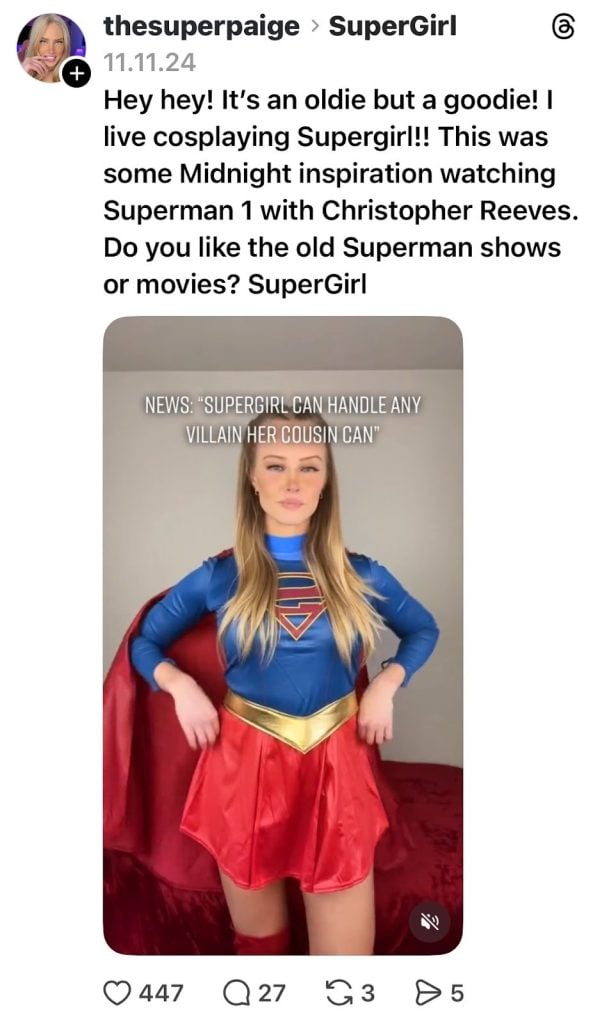
Example of a pinned post in Threads
Checklist for the Perfect Profile:
- Profile picture — portrait photo, looking into the camera.
- Bio — contains intrigue and a call to action (CTA).
- Link — leads to Linktree/Beacons, not directly to OF.
- Pinned post with OF welcome message or call to action.
Step 2. Be Maximally Active
After creating your profile, don’t rush to publish your photos. For the first two days, be maximally active. For example, follow 15-20 large influencers in your OFniche ideas or related ones (fitness, gaming, lifestyle). Like posts you genuinely like. Make 2-3 reposts of interesting thoughts with your short comment.
This way, the Threads algorithm analyzes who you interact with and begins to understand which audience to suggest your profile to in the future.
You can write comments under others posts — this is one way of free promotion on Threads. Find posts by accounts with millions of followers that were published less than 10-15 minutes ago. Write wittily, flirtatiously, or ask a clarifying question. For example, under a blogger’s post about cars, write: What about girls who prefer motorcycles? Or is that too extreme? 😉
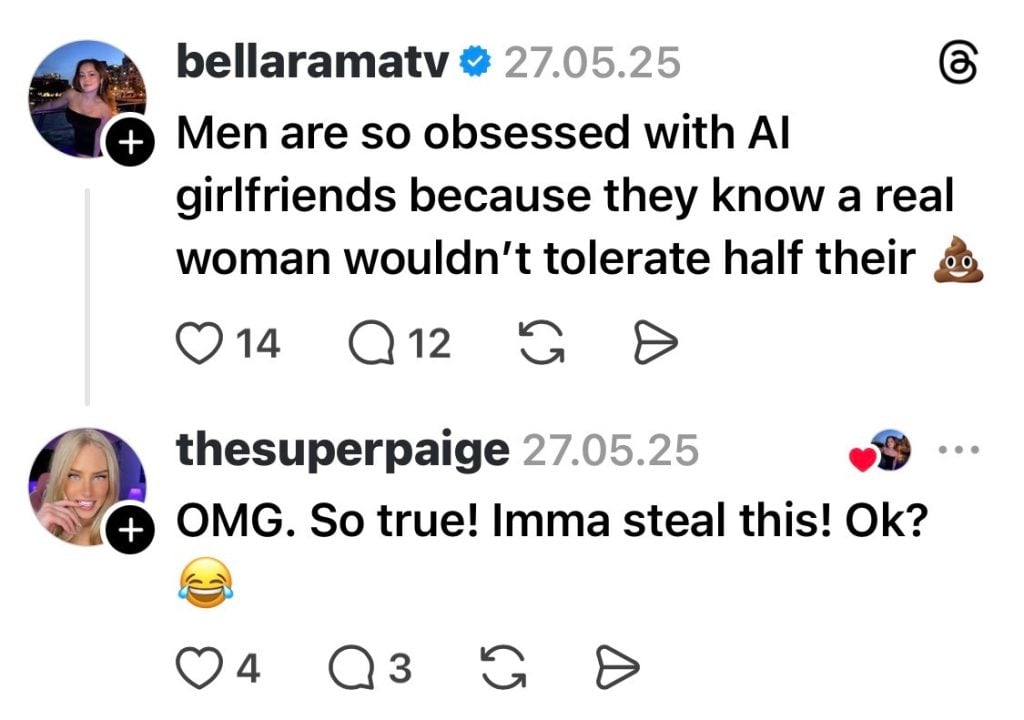
Comment on posts about hot-button topics: they attract more attention
Your comment should gather likes. When it reaches the top under a post, thousands of men see your profile picture and go to your profile. But don’t write more than 10 comments per hour—otherwise, the algorithm will mark them as spam. Don’t copy the same comment text. Each of your responses should be unique.
Step 3. Publish Content.
In Threads, content is divided into three types: viral (for reach), loyalty-building (for retention), and sales-oriented (for converting to OF). Let’s break each down:
Viral Content. Threads loves discussions. Your task is to ask a question everyone wants to answer. For example: Should a girl wear a dress on a first date or can it be jeans? Personally, I love when nothing restricts movement… 😉 Everyone thinks their experience or view is important and wants to share it. The topic isn’t global (not politics or religion) but lively enough to evoke emotion: “How can she think that!”
Algorithm for creating such content:
Choose an evergreen topic with two camps. For example, relationships—dating, marriage, jealousy, boundaries; contrasts—experience vs. innocence, beauty, sports.
Phrase the question as a dilemma. Don’t write: What to wear on a date? — that’s too broad. Better: For a first date—spend an hour on your look or come in a comfortable hoodie and be yourself?
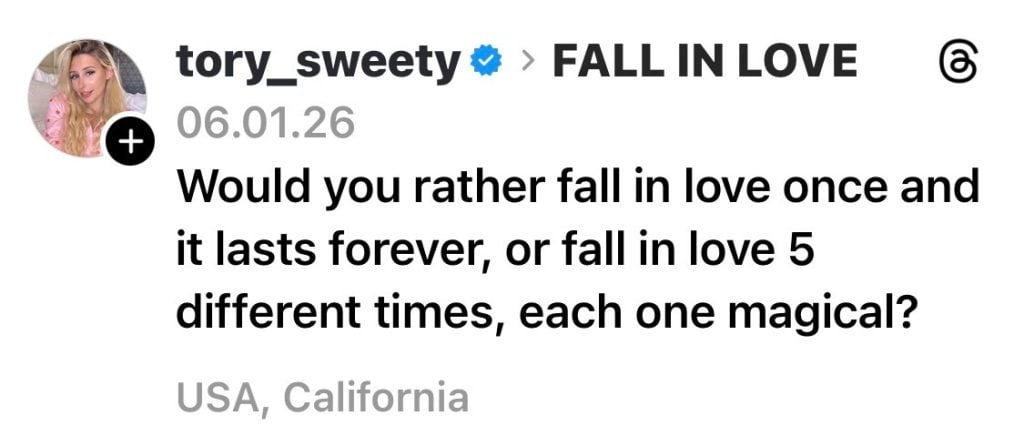
Simple topics like relationships work best
Add your provocative but non-aggressive point of view and a call to action. The question itself is already a call. You can add: «I’ll explain my position in the comments» or «Waiting for your stories».
Examples using the template:
About relationships: «Honest poll: what turns you on more — confident dominant energy or tender, submissive innocence? Tell me in detail, for my content… and just curious 😉»
About fantasies: «Guys, need your male advice: when you watch content, do you prefer when the girl clearly enjoys it, or when she’s a bit shy and blushes?»
About work: «Admit it, are you curious about what a model feels when reading your messages? For me, it’s sometimes a whole range: from cute affection to… well, you get it 😈»
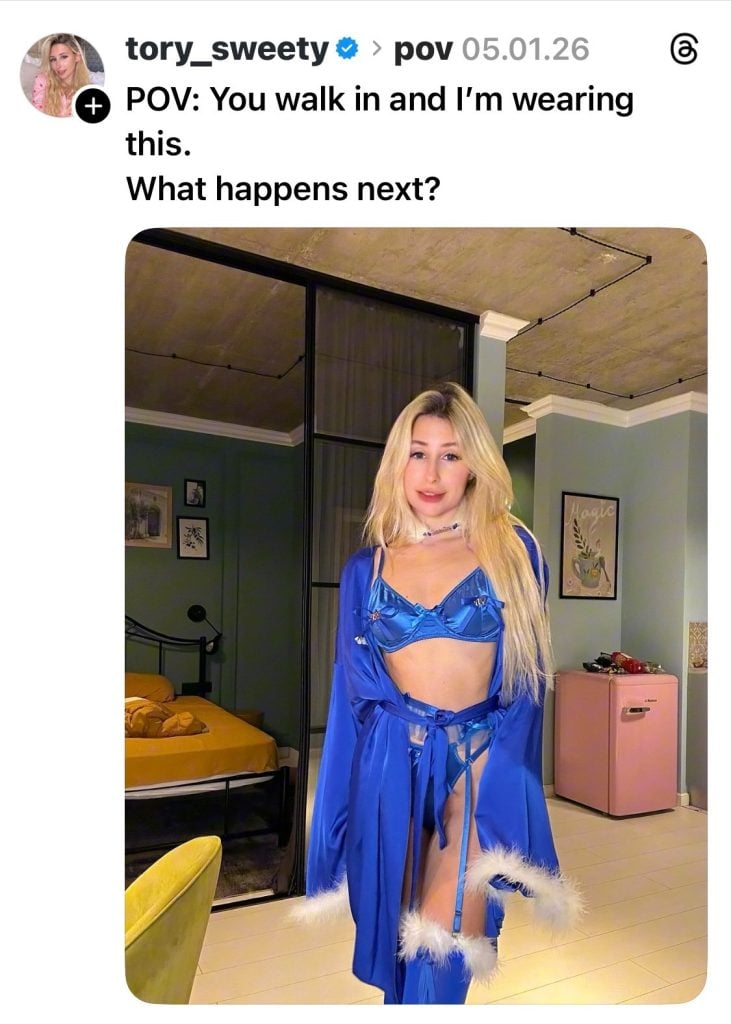
Simple questions are more likely to make the reader want to answer.
Be specific (yes/no, A/B), be a personality (share your experience or opinion). Create a safe space for expression (the topic should be one where people aren’t afraid to leave a comment, even a controversial one).
Loyalty-Building Content. Show that you’re a real person. This creates an emotional connection. For example, talk about your hobby, show your pet, or share a funny life story. For instance: Today during the shoot, that very dress ripped… Had to improvise. Want to see what came out of it?
Here are some topics you can develop:
- «Behind-the-scenes» and workdays: «Just imagine: two hours doing makeup, setting up lights… And then a CAT jumps badly and knocks over all the lamps! That’s it, shoot’s canceled. Had to film a spontaneous mini-clip with him in the lead role. Want to see this terrorist and the result? 😼»
- Personal hobbies: «In regular life, I’m a ceramics fanatic. Here’s my today’s ugly but very cute little pot. When you’re molding, you turn your brain off. Sometimes after tough shoots, it’s the best medicine. How do you relieve stress?»
- Self-irony and «imperfection»: «Spontaneous challenge: find the most awkward angle. Here’s my photo with a double chin and surprised eyes. Your turn! Send your ‘beautiful’ photos, I’ll pick the most epic ones and show them in stories (anonymously)».
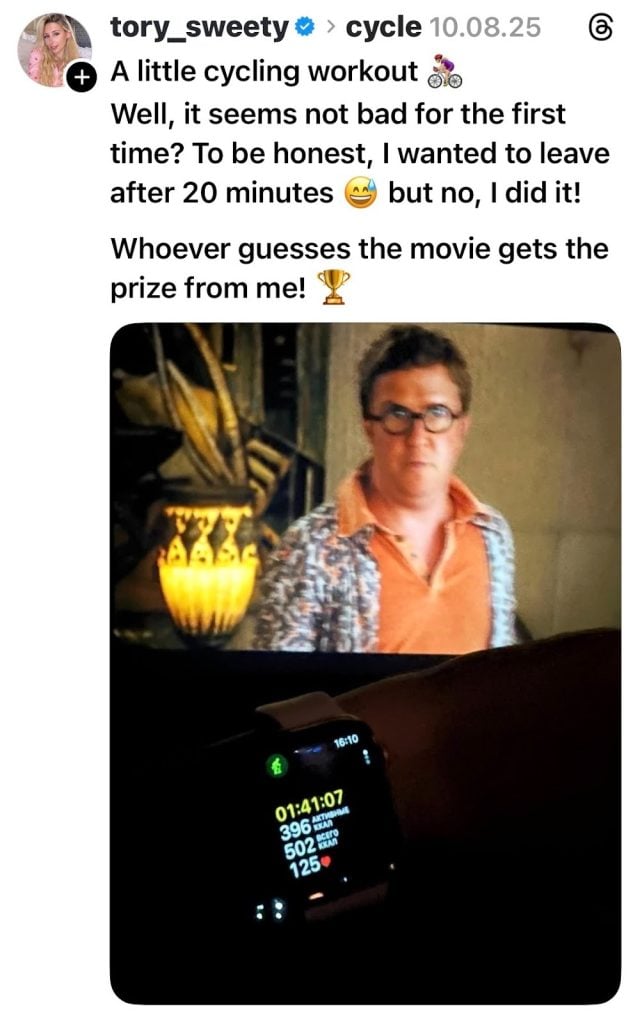
Such content not only shows the model’s interests but also engages, sparks a desire to comment, to answer the question
Sales-Oriented Content. Threads allows publishing up to 20 photos/videos. Use this to create teasers. For example, a carousel of photos where each next one is slightly more revealing than the previous, on the edge but without explicit vulgarity. The caption should enhance the intrigue. Use rhetorical questions, unfinished sentences, ellipses.
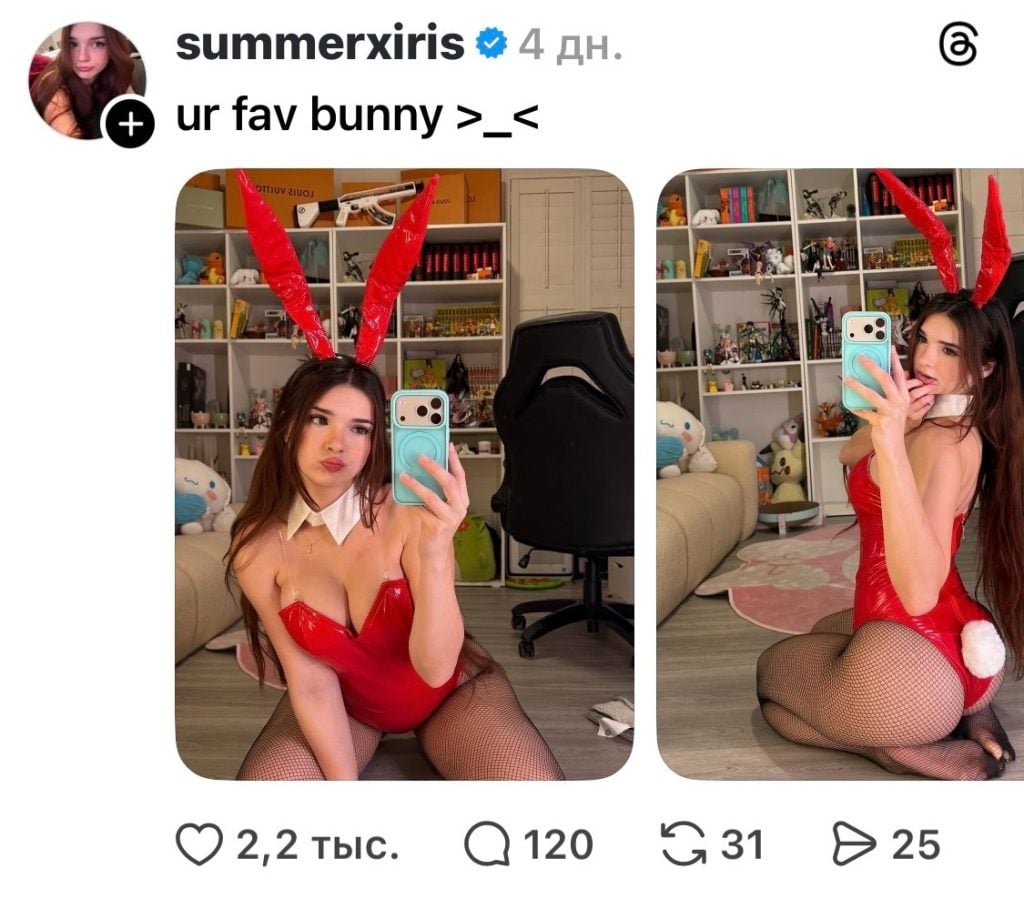
You can make a gallery of photos in a sexy look
Use the Spoiler Tag: upload a photo in lingerie and apply a blur (the “Hide content” function). This dramatically increases CTR (click-through rate). People click on the blurred photo out of curiosity, the algorithm reads this as “interaction” and promotes the post further.
Don’t forget to follow Threads rules. Content must be within their policy—no nudity. And don’t make every post sales-oriented. The ideal combination: 1 sales teaser for every 2-3 posts (1 viral + 1-2 loyalty-building).
Step 4. Don’t Forget Regularity and Analyze Content
The Threads algorithm, like any other, loves predictable and active creators. It notices: “Aha, this model posts 5-8 times a day, her audience reacts actively—so her content is worth showing more often.” So don’t forget about regularity.
Publish 5-8 posts per day on Threads: for example, light content in the morning: a morning photo (coffee, view from the window, “just woke up”); in the afternoon, respond to comments from other large authors (in your or related topics—humor, lifestyle, relationships). In the evening, you can ask a question about the past day, leave a teaser for tomorrow’s OF content.
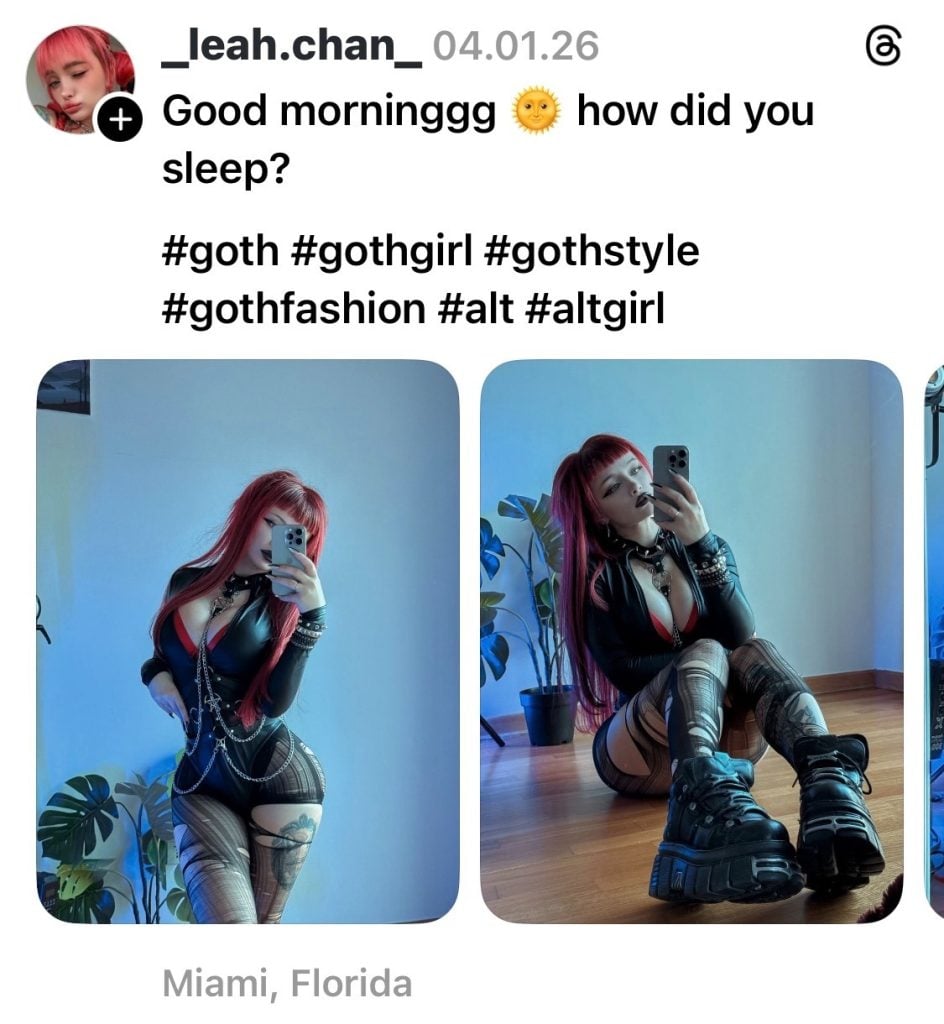
Example of morning content
Try to leave 10-15 thoughtful comments per day. Not just “wow!” or “🔥”. Your response should show you as a personality. Target for responses: large bloggers in your niche (to get into their recommendations), posts that have already gained high reach (so their audience sees you), your most active followers (to reward loyalty).
Follow the 80/20 rule: 80% of responses—sincere communication, 20%—light flirting or hinting at your content (only if appropriate).
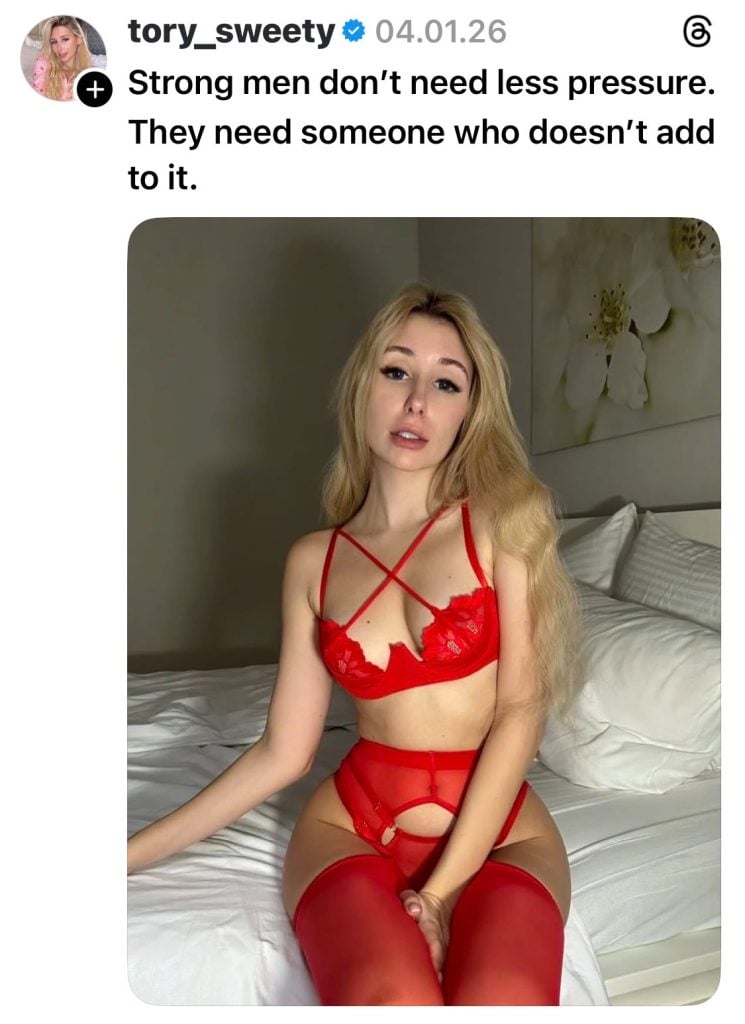
Flirting, provoking, intriguing in Threads is possible and necessary
Once every three days, you can regularly but unobtrusively remind about your main product (OnlyFans). You can prepare a special offer for a limited time (24-48 hours). For example: “20% discount on the first subscription for those who come via the link from Threads in the next 24 hours.” On the day of publishing the teaser, be sure to update the link in your bio to the current one (e.g., to a page with a promo code). Immediately after the promotion ends, return the usual link to your OF.
Analyze your posted content once a week. Open Threads stats (or just scroll through your feed). Mark 3-5 posts with the highest number of comments and reposts (likes are secondary, we need engagement). Determine the «hook»: What do they have in common? Was it a provocative question? A personal story? A super-successful visual teaser? A specific topic (e.g., «jealousy», «fantasies about innocence»)?
Use this information in the future: for example, take a topic that already performed well and repackage it. For instance, if a post about «shameful secrets» blew up, next week make one: «And what were your awkward failures in bed?» This way, you feel out the pain and interest of your audience and give them more of what they want.
Frequently asked questions (FAQ) about promoting on Threads
Do I need to create a new Instagram account for Threads?
Yes, if you want complete anonymity. Threads cannot be created without linking to an Instagram account. It’s better to create a new work Instagram, set it up minimally (5-10 photos), and then open Threads based on it.
How much time per day should I dedicate to Threads?
At the start—2-3 hours total per day. This time is spent not on posting, but on commenting on other authors. Your free traffic lies precisely in the comments under others’ posts.
What can get you banned on Threads?
Threads is much stricter about nudity than X (Twitter), but more lenient than Instagram. A ban will come for: explicit porn, direct links to OnlyFans in comments (spam), and aggressive mass following. Safe: posting photos in lingerie/swimwear, using the Spoiler Tag for intrigue, and leaving a link not to OnlyFans itself, but to a service like Linktree/Beacons.
See also:
How to Promote OnlyFans on Instagram
How many links can you leave in your profile?
In Threads, you can add one active link in the “Link” field. We don’t recommend changing it too often. It’s better to set a link to Linktree/Beacons once, where all your resources will be collected.
What to do if posts aren’t getting views?
Most likely, your account looks like a bot. Start commenting more on other people’s posts. On Threads, your profile’s reach directly depends on how active you are in others’ discussions. The algorithm notices you when your comments under posts by million-follower accounts get likes.
Do hashtags work on Threads?
In Threads, Topic Tags work better. You can choose only one topic for a post. Choose the broadest ones possible: lifestyle, fashion, or gaming. This helps the algorithm find your target audience.
Author

Want more paying OnlyFans subscribers?

Launch a campaign in 24 hours and fill your creators’ pages with real fans, not freebie hunters.
Recent partner average: $4.24 back per $1 spent • 324% ROMI
Real people only. No bots, no spam traffic sources.
ONLY FOR ONLYFANS AGENCIES, MODELS, AND MARKETERS
Want to promote your OnlyFans profile?
Start getting paying subscribers from search. Launch in 48 hours.
Recent partner average: $4.24 back per $1 • 324% ROMI